Shape grouping
This feature allows us to group several shapes.
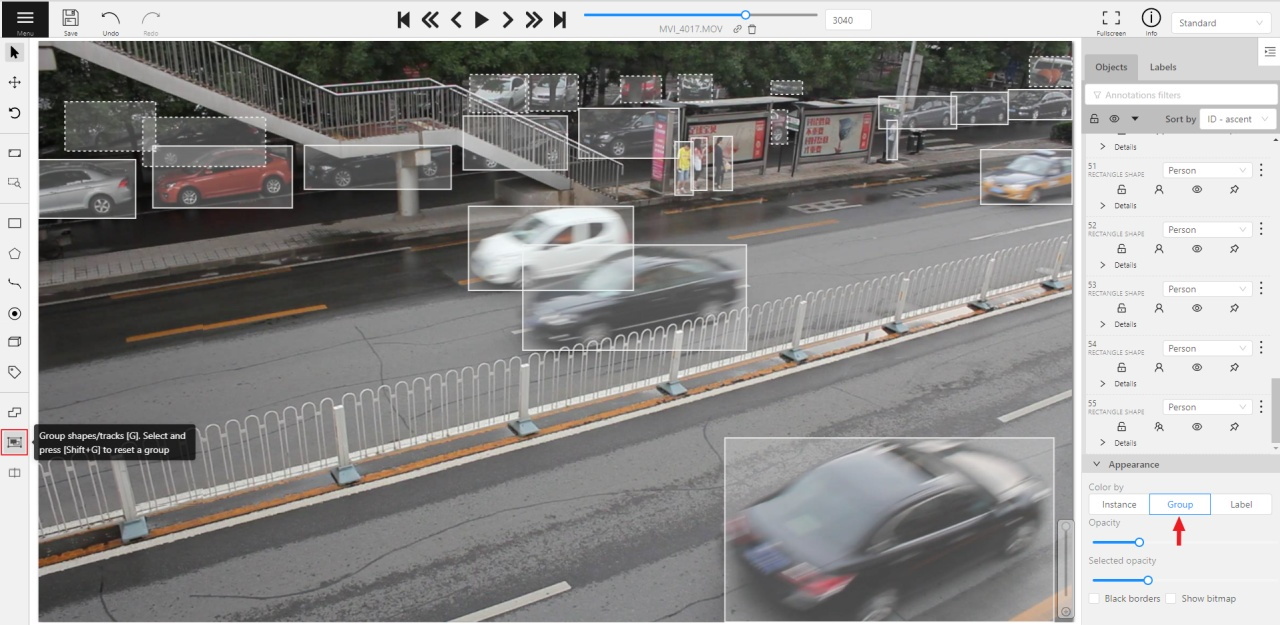
You may use the Group Shapes button or shortcuts:
G— start selection / end selection in group modeEsc— close group modeShift+G— reset group for selected shapes
You may select shapes clicking on them or selecting an area.
If you already have an active multi-object selection, press G or select Group selection from the selection action menu to group its objects. Press Shift+G or select Ungroup selection to remove group membership from selected objects.
Grouped shapes will have group_id filed in dumped annotation.
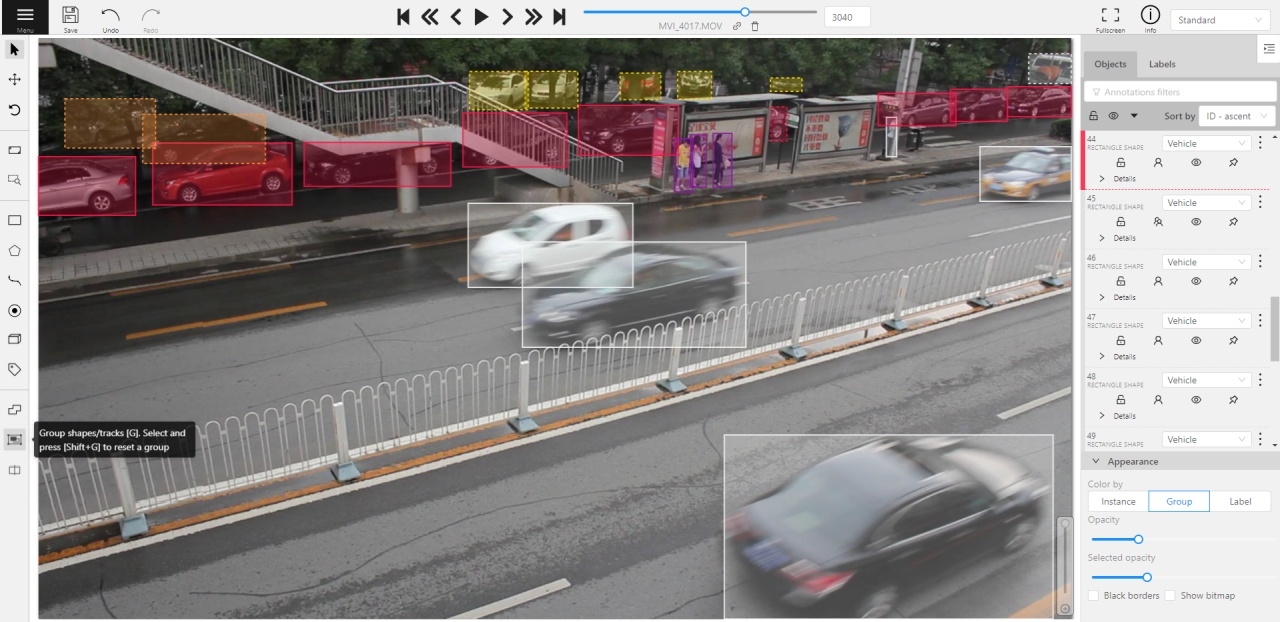
Also you may switch color distribution from an instance (default) to a group.
You have to switch Color By Group checkbox for that.
Shapes that don’t have group_id, will be highlighted in white.