Menu and Navigation Bar
Use the Audio Editor menu and top bar to manage audio annotations and playback.
The Audio Editor is the annotation interface for audio data. Instead of frames and shapes, you work with labeled time intervals on an audio waveform.
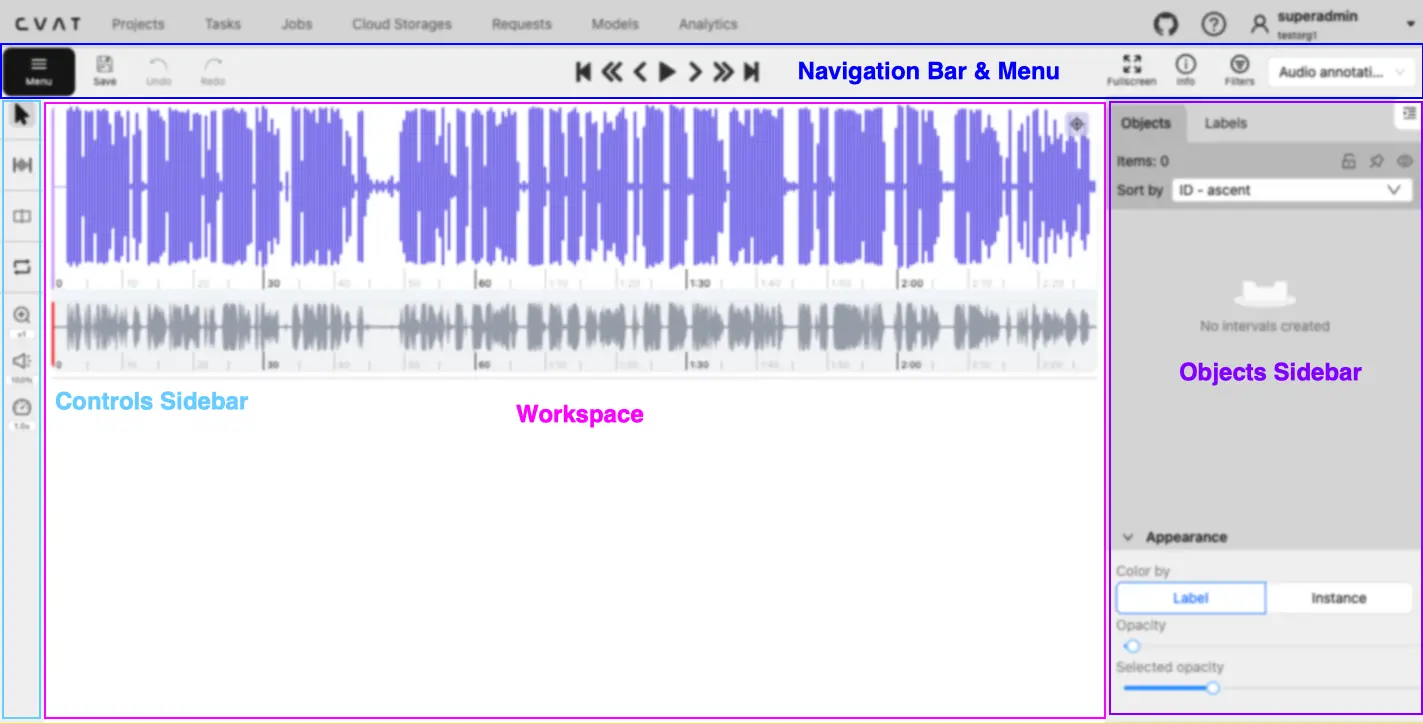
Use the Audio Editor to play a recording, create intervals for relevant time ranges, and assign labels and attributes to each interval. Audio tasks open in this editor automatically.
Use the Audio Editor menu and top bar to manage audio annotations and playback.
Navigate and inspect an audio recording on the waveform and minimap.
Manage audio intervals, labels, and appearance from the sidebar.
Choose interval tools and adjust audio playback.